
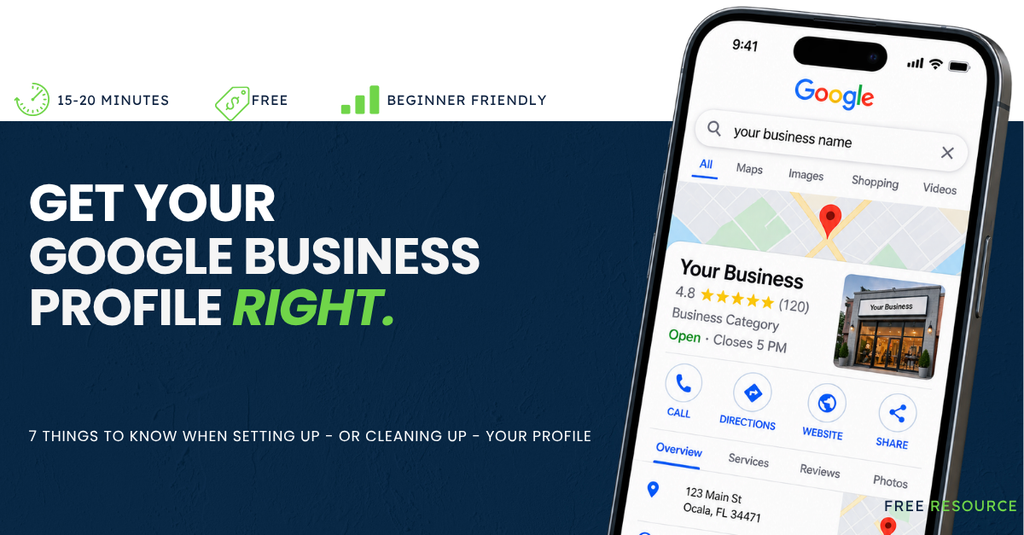
A Google Business Profile is the free business listing that can appear when customers find your business on both Google Search and Google Maps.
At North Central Florida Media, we look at Google Business Profiles all the time, and we see the same little mistakes cause surprisingly big headaches. Duplicate listings. Wrong categories. Old hours. Service-area confusion. The stuff that’s easy to overlook until a customer can’t find you, can’t figure out if you’re open or ends up somewhere you don’t want them.
So, we narrowed it down to seven things worth getting right.
SEVEN THINGS THAT’LL SAVE YOU A HEADACHE LATER
Read the quick tips. Open the ones you need. Skip the ones you’ve already nailed.
Click▾to see the why, the how, and what to do next.

Search before you create. Your business may already have a Google Business Profile, even if you didn’t make it.
Before creating anything, search your business name on Google and Google Maps. What you find determines what you do next.
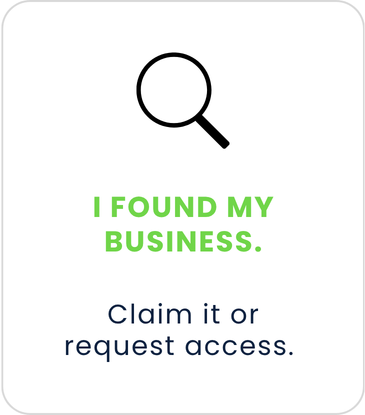
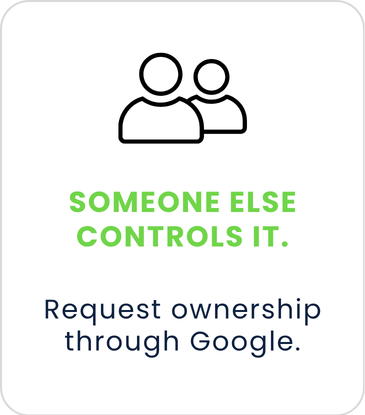
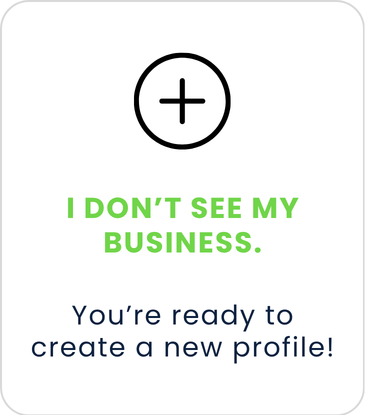

Your business name is not an SEO playground. Use the name your customers actually know you by.
Google wants the real-world name you use on your signage, website and other branding. Adding services, locations, taglines or phone numbers to the name isn’t a shortcut to better visibility.

Tell Google what your business is- not everything you do. Your primary category should describe the business itself, not every service you offer.
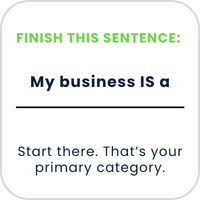
- Select the most specific category that fits.
- Add other categories only when they describe another meaningful part of the business.
- More categories don’t mean more visibility. Accuracy matters more than quantity here.

Where you work matters. Where Google says you work matters, too. The right setup depends on whether customers come to you, or if you go to them.
Use your physical address if
customers come to your location and are served there during business hours.
Restaurant
Dentist
Retail Store
Salon
Auto Repair
If you travel to customers and don’t serve them at your location, hide your address and enter your service areas.
Roofer
Plumber
Mobile Detailer
Cleaning Service

Don’t make your customers go looking for answers. Fill the whole thing out. Seriously- all of it.
- Phone Number: One that actually gets answered
- Website: Your current website
- Hours: Regular and holiday hours
- Services: What customers can hire you for
- Description: What you do, who you serve and where
- Photos: Real, current photos of your business


Google may make you prove you’re real. Don’t panic, just be ready to show them.
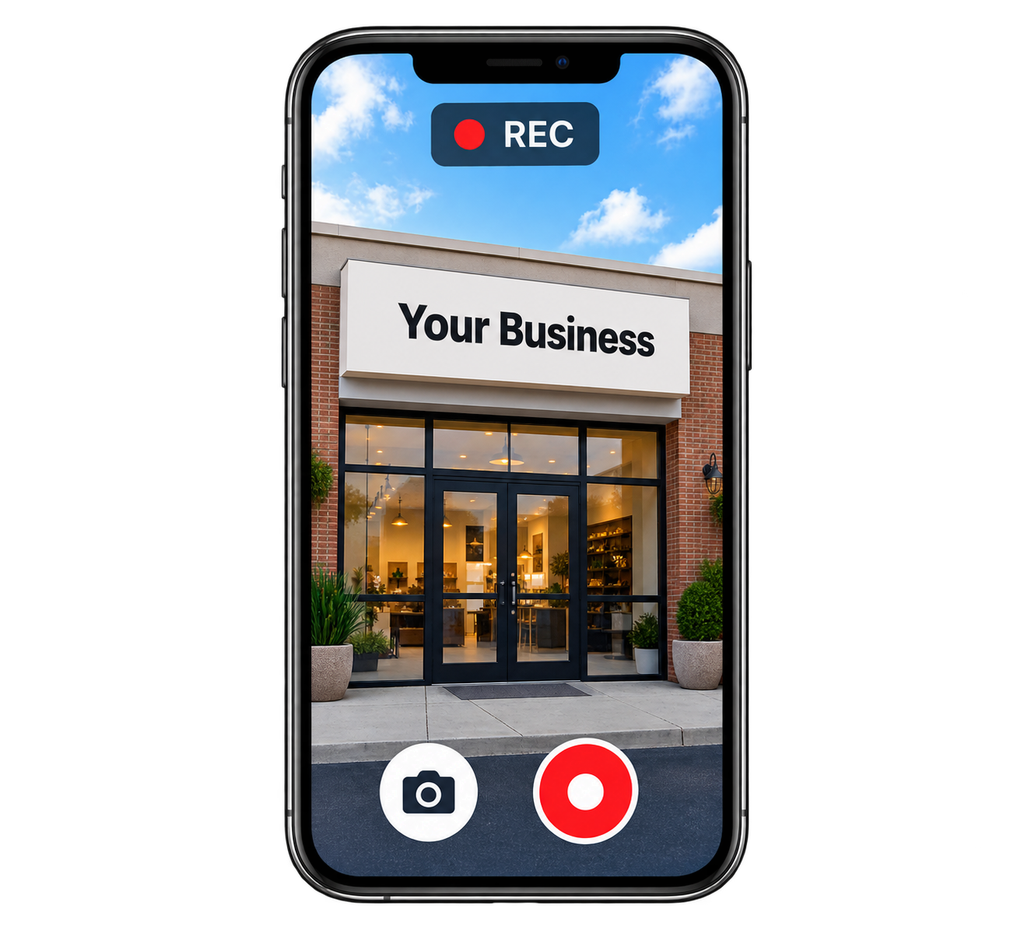
Google decides how your business gets verified. That might mean a phone call, email, mail or even a live or recorded video showing that your business is actually your business.


Verified doesn’t mean finished. Your Google Business Profile should change when your business does.
Keep an eye on:
- Regular and holiday hours
- Changes to services or business information
- New, real photos
- New reviews and your response to them
- Anything that’s changed in the real world.
If it changed at your business, it should probably change on Google too.
THINGS TO AVOID DOING ON YOUR GOOGLE BUSINESS PROFILE.
Or as we like to call it: Please don’t. Some Google Business Profile mistakes are surprisingly easy to make and surprisingly annoying to fix. Here are the ones we see most often, and what to do instead.
Creating a duplicate Google Business Profile.
It’s tempting, we know. If your business already has a profile, claim or request access to it instead of creating another one.
Adding keywords to your business name.
Use your real-world business name that you use for all your branding and marketing. Don’t add services, cities, or other keywords that aren’t actually a part of it. Adding keywords to your name isn’t a shortcut to better visibility.
Using an address that doesn’t qualify.
If customers aren’t served at your address, use a service area instead. Don’t use a P.O. box, remote mailbox or virtual office as your business location, and don’t display your home address if customers don’t come there.
Choosing too many business categories.
More categories don’t mean more visibility. Choose the fewest categories that accurately describe what your business is. Your categories help Google understand your business and match it with relevant searches, so accuracy matters more than quantity.
Giving away ownership of your profile.
This one’s pretty big. The actual business should maintain ownership. Employees, agencies, marketing partners and others can be given appropriate access without owning the profile.
Setting it and forgetting it.
Keep your hours, holiday hours, photos, contact information and all details accurate as your business changes.
Not responding to reviews.
Your response isn’t just for the person who left the review, but future customers can see it, too. Responding shows you’re paying attention, gives you a chance to thank happy customers and lets people see how you handle criticism when things don’t go perfectly.